PPMX
PrePoMax with rule-based selections, moving to the browser
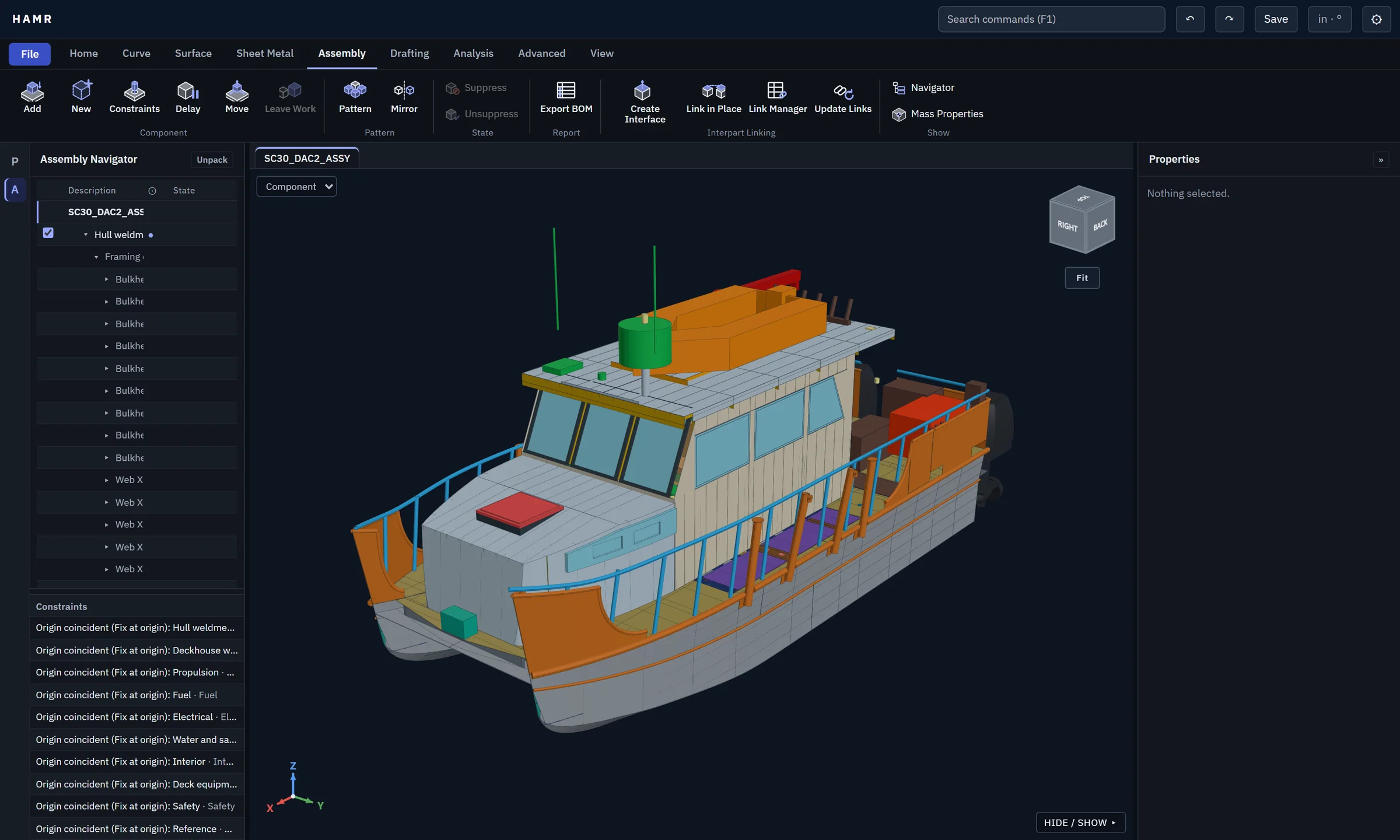
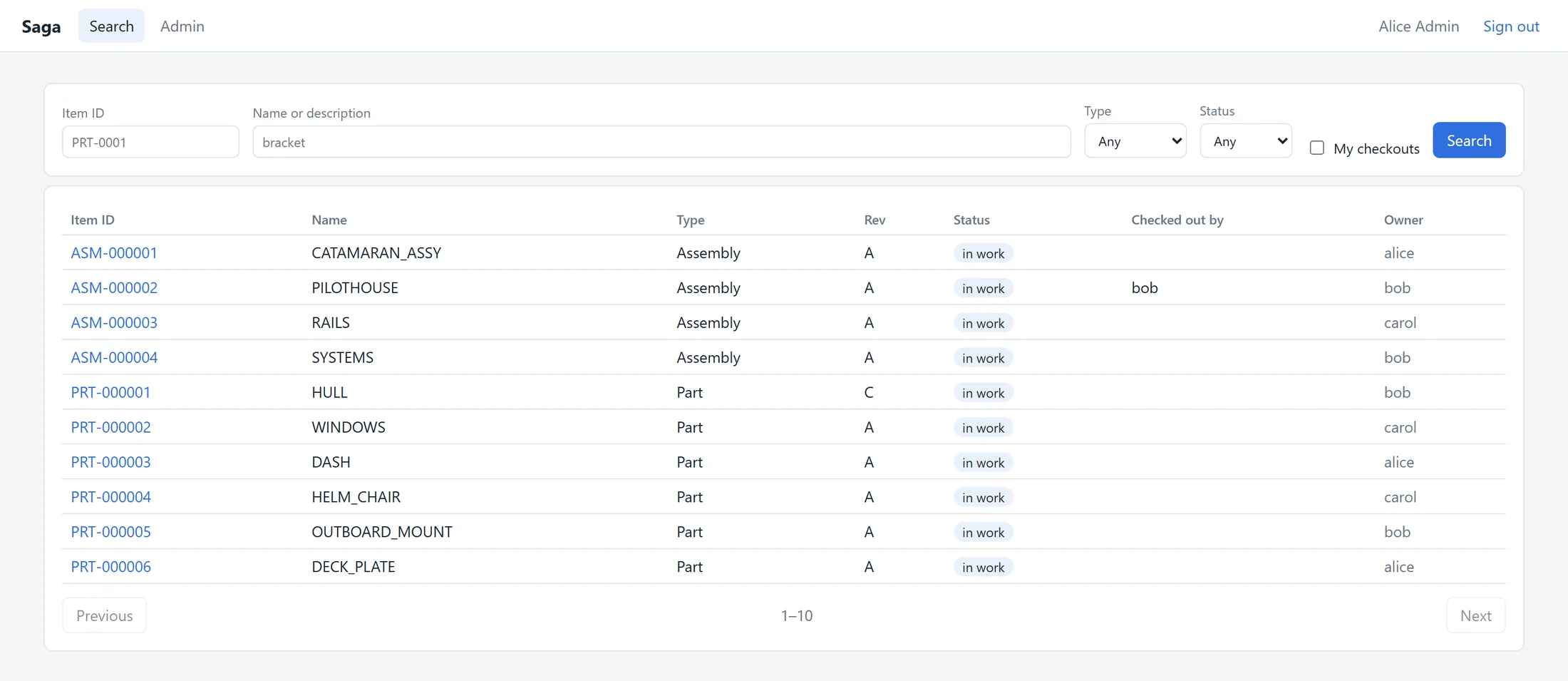
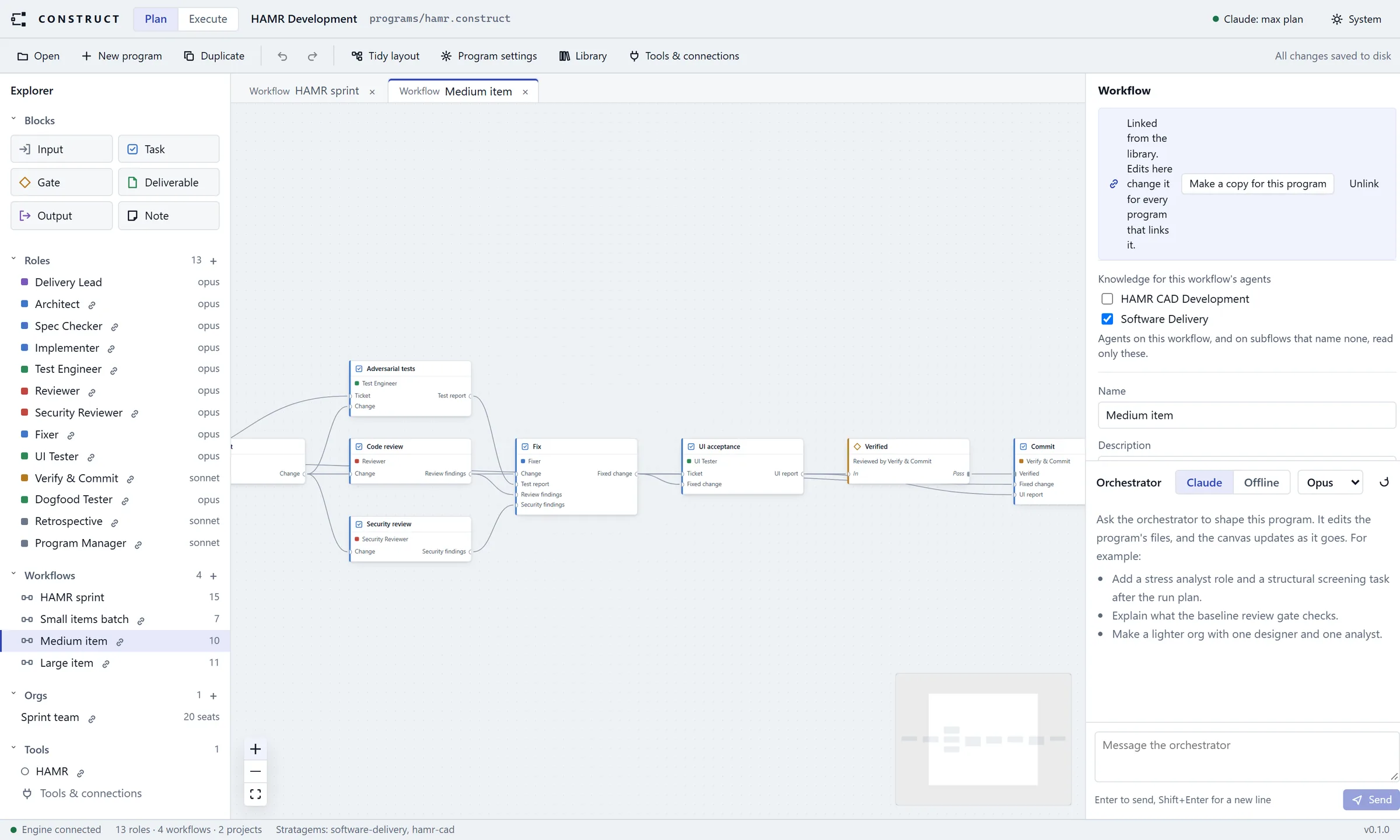
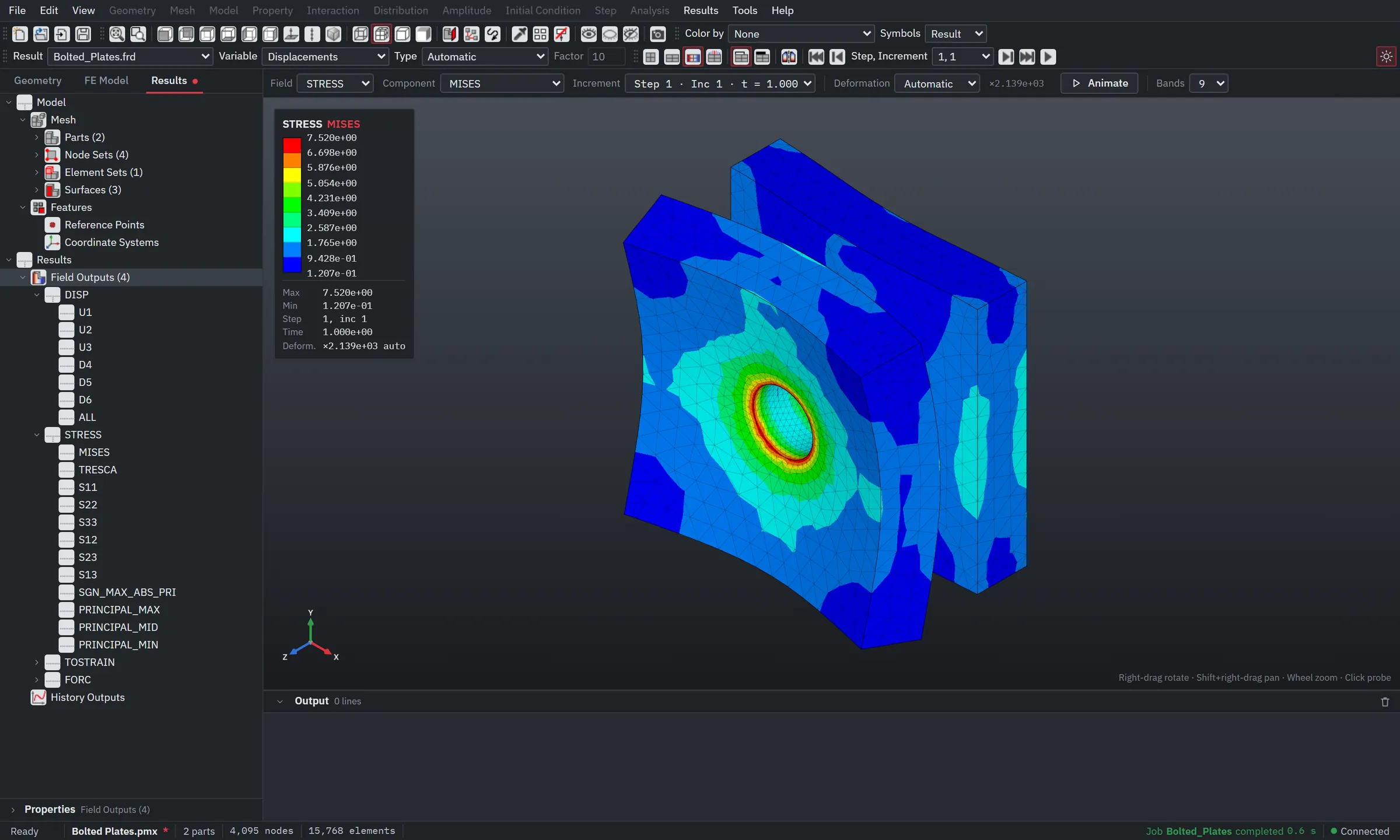
PPMX is a fork of PrePoMax, Matej Borovinšek's open-source pre- and post-processor for the CalculiX solver. It keeps everything PrePoMax does, including its MCP server and Python API.
On top of that it adds named selections defined by rules, and a web version of the app.
What comes from PrePoMax, and what PPMX adds
From PrePoMax
By Matej Borovinšek and contributors, GPL-3.0. PPMX tracks upstream, currently v3.0.0 RC1.
- The full pre- and post-processor: geometry import, meshing with Netgen, Gmsh and Mmg, materials, loads and boundary conditions, CalculiX runs and 3D results
- MCP server: agents such as Claude Code drive the open session over a local, token-protected endpoint
- Python API and console covering the model, mesh, results and view
- Command history: every action is recorded and any model can be regenerated from it
- Command-line runs without the interface
Added in PPMX
By Salix Engineering.
- Named selections: worksheets of rules that pick nodes, elements, faces, edges, vertices or bodies, usable in boundary conditions, loads, sections, couplings, joints and cyclic symmetry, and from Python and MCP
- Web app: the model tree, forms, solver runs and results in a browser, served by a local ASP.NET server with a React and three.js client. In development
- Material import and export as XML
- Fixes for viewer crashes and unattended runs
Named selections
Picking faces by hand doesn't survive a remesh and doesn't suit an agent. A named selection is a short worksheet instead: each row adds, removes, filters or converts entities by location, size, radius, face type, part name or an existing set, using =, <, >, a range or a text match.
Regenerate it after the model changes and the same rules pick the new geometry.
| Action | Entity | Criterion | Operator | Value |
|---|---|---|---|---|
| Add | Face | Face type | = | Cylinder |
| Filter | Face | Radius | Range | 6.0 – 7.0 |
| Filter | Face | Part name | Contains | Upper |
| Remove | Face | Location Z | < | 0.0 |